Images and PDF pages that appear where they matter.
PinPic connects a private image or a single page from a PDF to a saved location, then shows it when you arrive. Build a visual reminder, welcome, instruction, or memory for the places that matter to you.

Location-aware
Save a place and matching radius. PinPic uses your location while the app is in use to find the right image or PDF page.
Private by design
Your saved locations, imported photos, themes, and settings remain in the app’s private storage unless you choose an iCloud backup.
Made your way
Choose photos or a page from a PDF, create visual themes, adjust location details, and shape PinPic around your own places and routines.
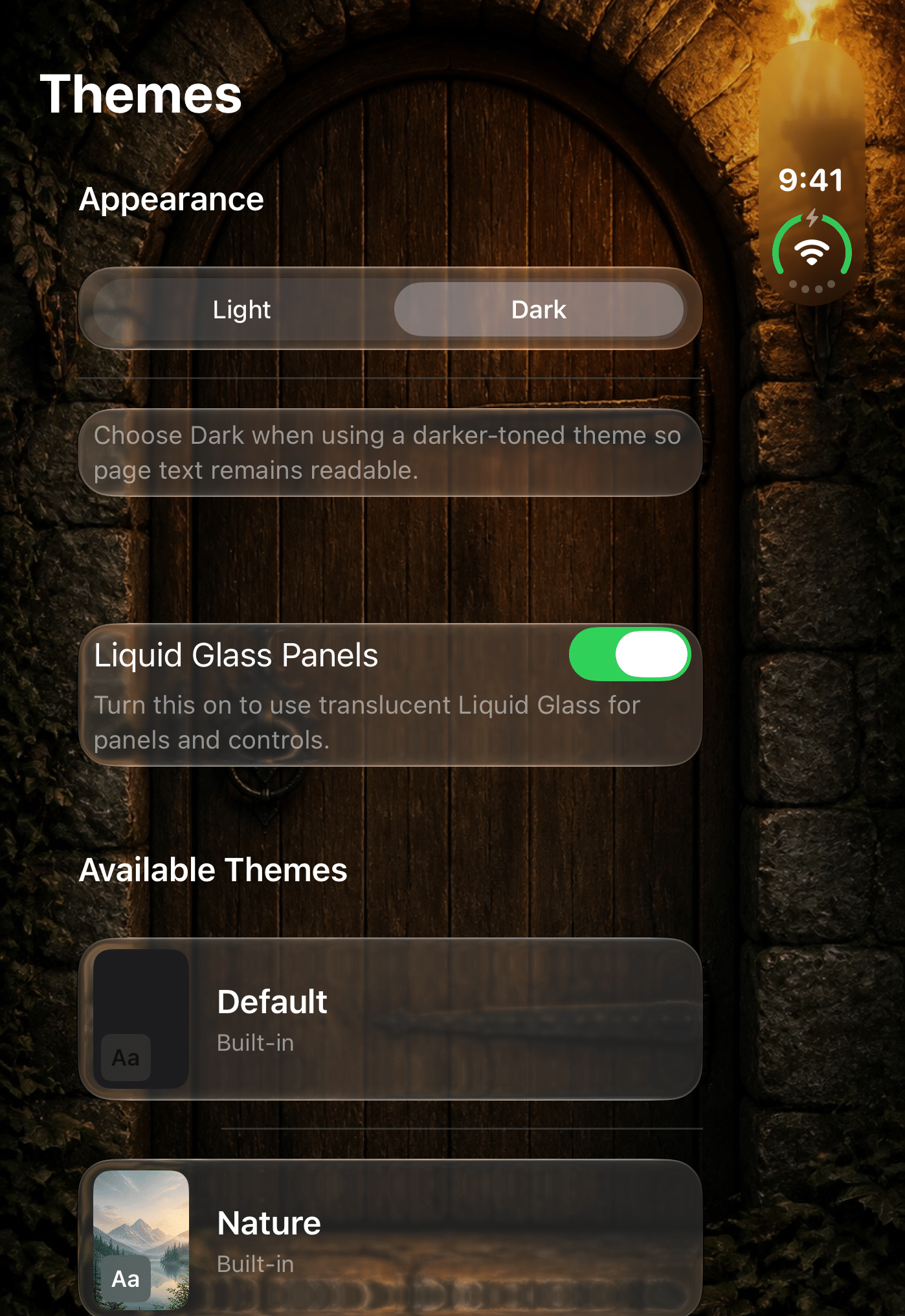
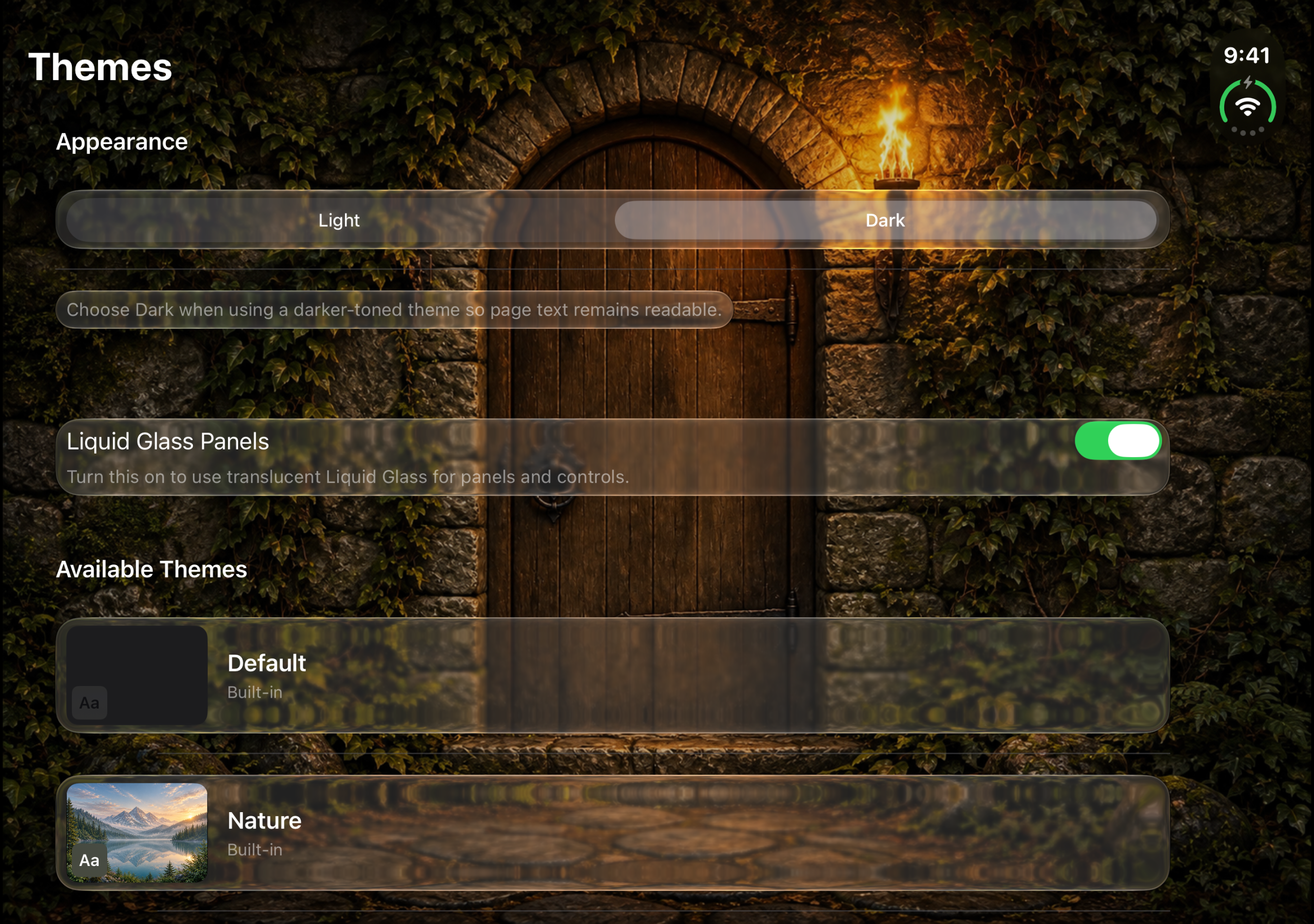
Themes for both Duo views.
PinPic 1.04 brings themes that adapt to iPhone Duo, easier custom-theme editing, and a clearer view of your last successful backup.
Requires iOS or iPadOS 26 or later.
One photo. Every place it belongs.
Reuse one private photo across multiple locations, update every linked location at once or keep one location independent, and restore your complete PinPic appearance and alert configuration from iCloud.
Why does this app exist?
I had a specific need for an image to immediately show on my screen so that it could be scanned at an entry gate to allow me access. Sure, I could have dug for and found the image in question by going into Photos, navigating to the Album it was contained in and then making it full screen, but that’s a lot of steps, day-in, day-out.
So this app was born. An easy, straightforward way to display an image or a selected page from a PDF based on my physical location in that moment to more quickly and easily display my credential and allow me access. Very simple, but that’s the beauty of it… and it does not require a Nexus account, contains no advertising, and includes no third-party analytics or cross-app tracking to do what it does.
That original gate-pass problem is only the beginning. The same simple idea can put a loyalty card, travel reference, property instruction, worksite checklist, meaningful memory, and more within easy reach at the place it matters. Explore the many ways PinPic can fit into everyday routines and professional workflows.