The right image or PDF page, right where you need it.
PinPic connects a private saved image or one selected page from a PDF to a location, making passes, instructions, references, and memories easier to reach when you arrive. Here are some ways to make it yours.
Access and identification
- Employee or contractor pass: Show a saved badge image at a workplace or security gate.
- Parking permit: Surface the right pass at an office, campus, garage, or venue.
- Community access card: Keep a resident or guest credential ready near a gated community, pool, or clubhouse.
- Membership card: Bring up a gym, coworking, museum, or club card on arrival.
- School pickup credential: Keep the right placard or authorization image ready at school.
- Event credential: Display a badge, QR-code screenshot, entry image, or PDF ticket page near a conference or venue.
Shopping, dining, and services
- Loyalty card: Display a store-specific barcode when visiting that retailer.
- Coupon or offer: Surface a saved promotion at the participating business.
- Gift-card reference: Make a card or barcode image easy to reach at the right shop.
- Reservation details: Show confirmation information at a hotel, restaurant, or venue.
- Pickup instructions: Display an order number, locker code, or curbside directions at pickup.
- Service-account reference: Bring up a customer, membership, or unit number at the right business.
Travel and transportation
- Boarding or transit pass: Surface a saved pass at an airport, station, terminal, or stop.
- Hotel details: Show a reservation, parking map, Wi-Fi card, or check-in instructions at the property.
- Rental-car reference: Display a reservation image or PDF page, vehicle-location note, or return instructions.
- Cruise or resort credential: Present an embarkation document or resort pass near the destination.
- Park or campsite permit: Keep a permit or site-information image—or one page from a PDF—ready at the entrance.
- Localized travel card: Show the right translated address or instruction card at a specific place.
Home, care, and personal routines
- Property instructions: Show gate, alarm, lockbox, parking, or utility details at a home or rental.
- Caregiving reference: Surface location-specific instructions at a family member’s home or care facility.
- Emergency reference: Keep a site map, evacuation diagram, or contact sheet associated with a place.
- Recurring errand reminder: Use an image checklist for tasks at a particular store or facility.
- Storage locator: Display a photo of the correct unit, shelf, bin, or stored item.
- Home-maintenance reference: Show equipment settings, filter sizes, shutoff diagrams, or service notes.
Field work and operations
- Site-specific checklist: Present a visual checklist when a worker reaches a jobsite.
- Equipment reference: Show a machine diagram, setup photo, or operating note at its location.
- Inspection baseline: Display a prior-condition photo for comparison during a site visit.
- Delivery instructions: Surface entrance, loading-dock, call-box, or drop-off directions.
- Real-estate reference: Show access notes, floor plans, staging references, or property identifiers.
- Route-stop card: Give field staff the right customer or site image at each stop.
- Venue setup guide: Bring up a layout, seating chart, wiring plan, or staging reference on arrival.
Memory and discovery
- Photo-based place journal: Associate a meaningful image with a favorite place.
- Then-and-now comparison: Retrieve an older photo when revisiting its location.
- Landmark reference: Show a saved image or fact card near a landmark.
- Self-guided tour: Associate an image card with each stop on a personal walking route.
- Photography reference: Display a previous composition, shot list, or scouting photo at a shoot location.
One theme with two compositions
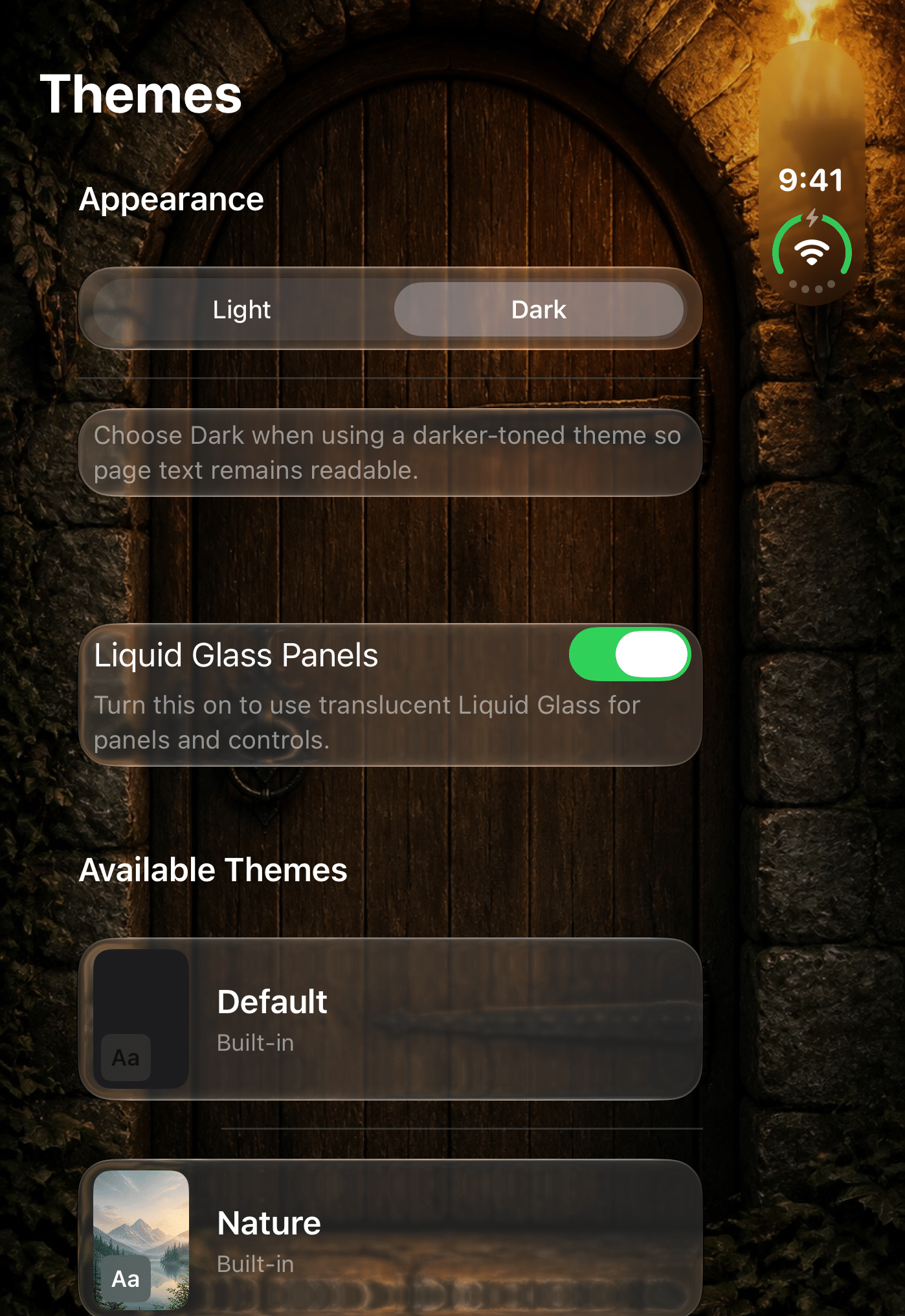
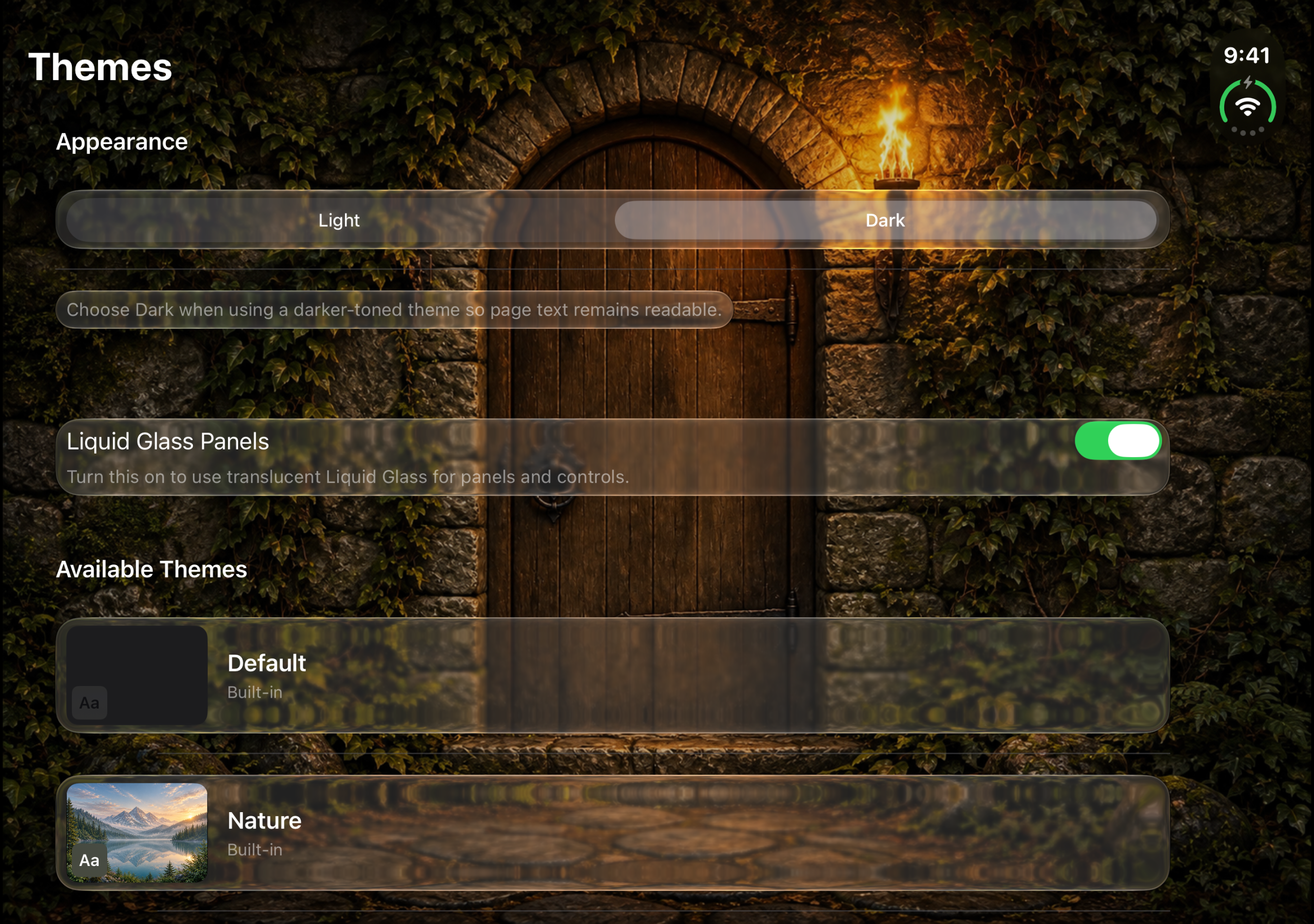
Give a custom theme a portrait background for the outer Duo view and a separate landscape composition for the fully open view. For example, use a close-up of a mountain on the portrait background and a wider panorama on the expanded display. PinPic shows the entire optional Duo image, so choose proportions close to the expanded window if you want to minimize empty space.
You can also keep a single background and its usual crop across displays.
Reuse one private photo wherever you need it.
A membership card can work at several branches, a badge at multiple worksites, or a parking pass at more than one entrance—without storing duplicate images. Update every linked location together, or keep any one location independent.
Put the right image or PDF page within reach.
Download PinPic on your iPhone or iPad, save an image or one page from a PDF with a location, and let PinPic bring them together when you arrive.